
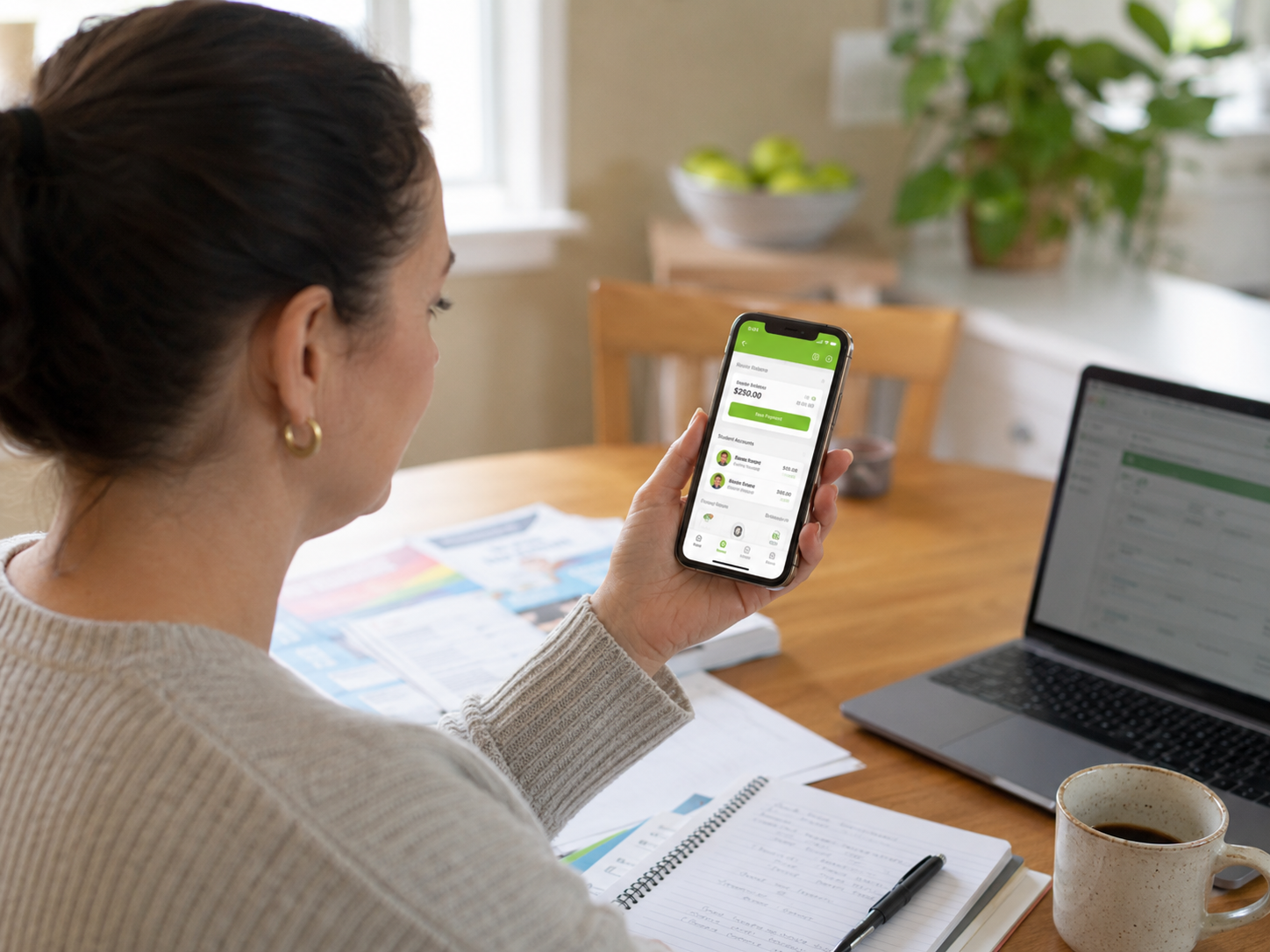
If your child’s school recently started using EduTrak, or you got a login link and are not sure what to do with it, this is for you.
EduTrak is the payment and account management platform your school uses to handle things like lunch money, tuition, fees, and after-school programs. Instead of sending checks to the office or juggling multiple websites, you manage everything through one account.
Here is what you can actually do with it.
Pay for school from one place
Once you create an account and link your student, you will see their balance, any outstanding fees or charges, and their payment history in one view. If you have more than one child at the school, they each get their own section within your account so nothing gets mixed up.
You can pay by credit card, debit card, or bank transfer. If you would rather not think about it, you can set up autopay and it handles itself.
EduTrak covers the full range of what schools bill for: lunch accounts, tuition, registration fees, activity fees, childcare, and school store purchases all live in the same place. Your school decides which modules they use, so your view will reflect what they have set up.
Manage lunch money
If your school uses EduTrak for food service, you can add money to your child’s meal account directly from the parent portal. You will see their current balance and can set up automatic top-ups when it falls below a certain amount. Low-balance alerts can go out by email or text so you are not caught off guard.
Your child pays at the cafeteria with a PIN or ID card. The account updates in real time, so if you are curious whether they actually bought lunch, you can check.
If your school uses FastTrak, their automated cafeteria checkout system, the process is even faster. Students check in and the system handles everything, including confirming Free and Reduced eligibility automatically.
Register for programs and pay fees
Depending on what your school has set up, you may be able to register for after-school programs, pay activity fees, or handle other school charges through the same login. Assigned fees show up automatically. Elective fees, like a club registration or a lab supply charge, are listed separately for you to review and pay.
If your school uses EduTrak for childcare or before and after school programs, enrollment and payments for those flow through the same account as everything else.
Download statements and receipts
Payment history and tax documents are available from your account any time, not just during tax season. You do not need to call the office to get a record of what you have paid.
A few things worth knowing
EduTrak is the platform, not your school. If you have a question about a specific charge, a program schedule, or why a fee appeared, your school’s office is the right place to start. EduTrak handles the payment side. Your school sets up the fees, programs, and billing.
If you cannot log in or need to reset your password, there is a support option on the login page. For anything related to your account balance or a specific charge, your school can look that up on their end.
One login for your whole family. If you have children at different schools that both use EduTrak, you may be able to manage both from the same parent account. Check with your school on how they have it configured.
If your school does not use EduTrak yet
Some parents find out about EduTrak because a friend’s school uses it, or because they are on a school committee thinking about switching payment systems. If that is you, the short version is that EduTrak replaces a patchwork of forms, checks, and separate logins with one account for your family. Schools that use it tend to have fewer billing questions coming into the office, which means staff have more time for things that are not chasing down payments.
If you want to see how it works or pass something along to your school’s business office, there is a demo available at marketing.edutrak.com/demos. You can also learn more about EduTrak and what it covers.
Frequently asked questions
How do I create an EduTrak parent account?
Your school will send you an invitation link or direct you to their EduTrak login page. You create your account from that link and connect your student using information your school provides. If you did not receive a link, contact your school’s main office and they can resend it.
What can I pay for through EduTrak?
That depends on which EduTrak modules your school uses. Common ones include lunch accounts, tuition and fees, childcare, activity and registration fees, and the school store. Your account will show whatever your school has set up for your family.
Can I set up autopay for my child’s lunch account?
Yes. You can set a low-balance threshold and EduTrak will automatically reload the account when it drops below that amount. You can also set up alerts by email or text so you know when the balance is getting low before it runs out.
What if I have a question about a charge on my account?
Contact your school’s office directly. EduTrak processes the payments, but your school sets up the charges and programs. They can see your account on their end and answer questions about specific line items.
Is EduTrak available as a mobile app?
The parent portal is mobile-friendly and accessible from a browser on any phone or tablet. Check with your school on whether they have a dedicated app configured or whether you access it through the browser.
What is FastTrak?
FastTrak is EduTrak’s automated cafeteria checkout system. Instead of a cashier manually processing each student, FastTrak detects what is on the tray, checks the student’s account balance, and handles the transaction automatically. It keeps lunch lines moving and connects directly to the same family account you manage online.
My school is thinking about switching to EduTrak. Where do they start?
The best starting point is the demo at marketing.edutrak.com/demos, which walks through how the platform works from both the school and family side. Your school’s business manager or technology director can also schedule a quick conversation with the EduTrak team to see if it is a fit.
- #Edutrak ,
- after school program registration ,
- autopay school fees ,
- cafeteria balance ,
- childcare payment school ,
- EduTrak how it works ,
- EduTrak login ,
- EduTrak parent portal ,
- FastTrak ,
- free and reduced lunch ,
- K-12 parent account ,
- K-12 payments ,
- lunch money online ,
- parent school account ,
- pay school fees online ,
- school fee management ,
- school lunch balance ,
- school online payments ,
- school payment app ,
- school payment app parents ,
- school payment platform ,
- school payment system parents ,
- school tuition payment ,
- student account balance